How to Get Just the Recipe (Without the Life Story)
By Kerim Ismail ·
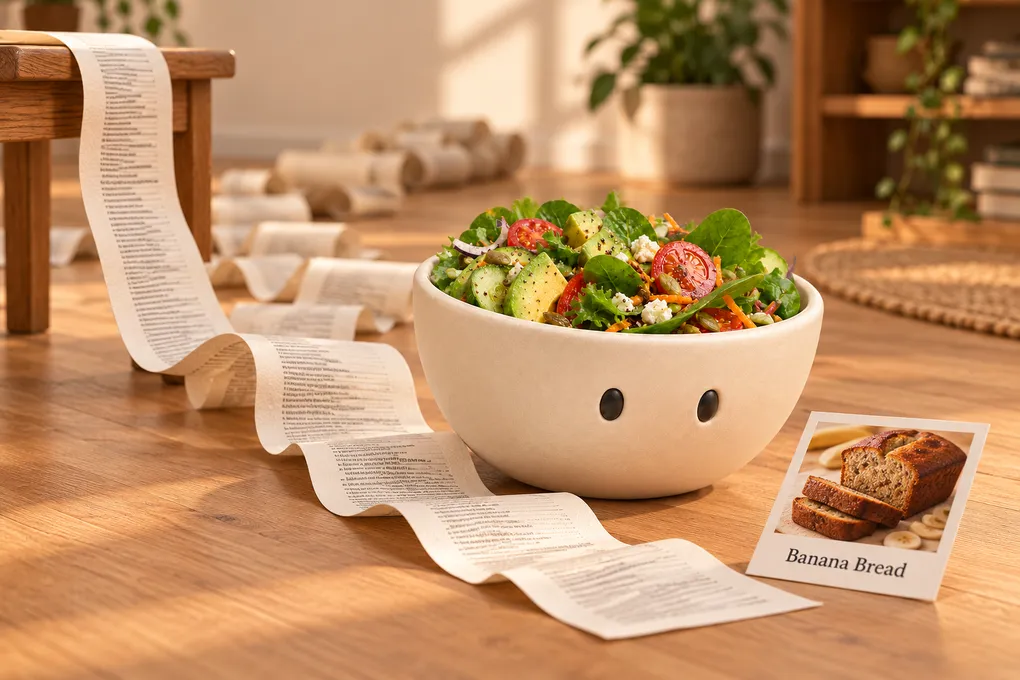
You wanted banana bread. You got 1,800 words about a trip to Vermont, three pop-ups, an autoplay video and a newsletter sign-up. The recipe is down there somewhere, below the fourth photo of the same loaf.
Here’s why recipe sites look like this, and five ways to skip straight to the part you came for.
Why Recipe Blogs Tell the Life Story
It isn’t there to annoy you. Longer pages tend to rank better in search, every extra screen of scrolling is room for another ad, and those ads are how most food bloggers pay for the time it takes to develop and photograph a recipe. Some readers genuinely like the tips and the backstory.
It’s just not what you need at 6pm with a bunch of overripe bananas on the counter.
1. Tap “Jump to Recipe”
Most food blogs have a Jump to Recipe or Skip to Recipe button right under the title. It takes you straight to the recipe card at the bottom of the page. It’s easy to miss because it’s small and often sits next to a Pin or Share button.
2. Use the Print Button
The recipe card itself usually has a Print button. It opens a clean version with only the ingredients and the steps, no photos, no ads, no story. You don’t even have to print it: save it as a PDF, or just read it on screen.
3. Turn On Reader Mode
Most browsers can strip a page down to its text:
- Safari: open the page menu in the address bar and choose Show Reader.
- Chrome and Edge: both have a reading mode that shows the text in a clean side panel or view.
- Firefox: tap the Reader View icon in the address bar.
Reader mode removes ads and pop-ups. The story stays, but scrolling past plain text is a lot faster than scrolling past ads.
4. Know the Trick Behind “Just the Recipe” Tools
Here’s something few people know: most recipe blogs contain a second, hidden copy of the recipe. It’s written in a standard format (schema.org “Recipe”) so Google can show ingredients, ratings and cooking times in its search results.
Websites and apps that promise “just the recipe” read that hidden copy. That’s why they work on almost any recipe site, and why they sometimes fail on pages that don’t include it, like a recipe typed into a plain blog post.
5. Save It Where Only the Recipe Lives
Reader mode and print views solve today’s dinner. If you want to cook it again, save the recipe somewhere that keeps just the recipe.
Plateful does this in one step. Share the page to the app or paste the link, and it pulls out the ingredients and the steps. You also get nutrition per serving, and you can drop the recipe straight into your weekly plan and put the ingredients on your shopping list.
Plateful keeps a link to the original page with every recipe. So the story is still one tap away if you ever want it, and the person who wrote the recipe keeps the credit.
Quick Answers
Is there a free way to skip the story? Yes. The Jump to Recipe button, the print view and your browser’s reader mode are all free and work on most recipe sites.
Why doesn’t reader mode remove the story? Reader mode removes clutter like ads and pop-ups, not content. The story is part of the page’s text, so it stays. The print view is the better choice if you only want the recipe card.
Does this work for TikTok and Instagram recipes? No. Social posts don’t have a hidden recipe copy, and often the recipe isn’t written down at all. Here’s how to get the recipe from a TikTok video instead.
Be Nice to the Creators
If a recipe becomes a favourite, go back to the blog once and leave a rating or a comment. It takes ten seconds, and it’s what keeps free recipe sites around.
Got recipes on paper as well? Here’s how to digitise recipes from cookbooks, magazines and family cards.
The story will still be there if you want it. Dinner shouldn’t have to wait for it.